# NixOS-95
*A nostalgic Windows 95-inspired NixOS setup with modern pastel vibes.*
This is a **NixOS configuration** designed to evoke the pixel-perfect charm of **Windows 95**, infused with a clean, soft pastel aesthetic. Lightweight, customizable, and perfect for retro lovers or low-spec setups.
---
## 🖥️ System Overview
* **OS**: NixOS
* **DE**: XFCE (customized)
* **GTK Theme**: [Chicago95](https://github.com/grassmunk/Chicago95)
* **Icons & Wallpapers**: [aconfuseddragon](https://aconfuseddragon.itch.io/)
---
## 📁 Directory Overview
tree .
```bash
NixOS-95/
├── flake.nix
├── flake.lock
├── Modules/
│ ├── Applications/
│ └── System/
├── nixos95
│ ├── dotfiles/
│ ├── core.nix
│ ├── default.nix
│ ├── desktop.nix
│ ├── keybinds.nix
│ ├── taskbar.nix
│ └── theme.nix
├── Ressources/
│ ├── Icons/
│ ├── Images/
│ │ └── Wallpapers/
│ └── Themes/
├── README.md
```
---
## Installation - BETA
> Requirements:
nix.settings.experimental-features = ["nix-command" "flakes" "pipe-operators"];
Enabled
### 1. Add Nyx to your flake
```nix
# flake.nix
{
inputs = {
nixos95.url = "github:Peritia-System/NixOS-95/Beta-import";
nixos95.inputs.nixpkgs.follows = "nixpkgs";
}
outputs = inputs @ { nixpkgs, nixos95, ... }: {
nixosConfigurations.HOSTNAME = nixpkgs.lib.nixosSystem {
modules = [ ./configuration.nix ];
};
};
}
```
### 2. Import in Configuration.nix
```nix
# configuration.nix
{
imports = [ inputs.self.nixosModules.nixos95 ];
}
```
### 3. Enable modules
```nix
{
# configuration.nix / or sth imported by the main config
nixos95 = {
enable = true;
user = "alex";
taskbar = {
homeIcon = "whisker-menu-button";
battery-plugin.enable = false;
applications = [
{
name = "Brave";
description = "Browse the Web";
pkg = pkgs.brave;
icon = "world";
}
{
name = "Signal";
description = "Private Messenger";
pkg = pkgs.signal-desktop;
icon = "signal";
}
{
name = "Obsidian";
description = "Markdown Editor";
exe = "obsidian %u";
icon = "obsidian";
}
{
name = "Spotify";
description = "Spotify Music";
exe = "spotify %U";
icon = "spotify";
}
];
};
keybinds = {
commands = [
{ key="l"; exe="xflock4"; }
];
};
};
}
```
4. **Build and switch to the system configuration**:
```bash
sudo NIX_CONFIG="experimental-features = nix-command flakes pipe-operators" nixos-rebuild switch --flake .#default
```
w
### Experimental Features
NixOS-95 relys on multiple experimental nix features. These are:
1. [flakes](https://wiki.nixos.org/wiki/Flakes)
2. [pipe-operators](https://nix.dev/manual/nix/2.26/language/operators#pipe-operators)
They are needed to activate the configuration.
To enable them in your config set:
```nix
nix.settings.experimental-features = [
"flakes" "pipe-operators"
];
```
### Rebuild Notes
Due to how **Home Manager** and XFCE handle theming, changes may not fully apply on the first attempt.
**For best results:**
1. Rebuild twice
2. Log out and back in after each rebuild
---
## Features
* Pixel-style retro desktop with pastel polish
* Lightweight and XFCE-powered (great for low-spec machines)
* Flake-based configuration with easy updates
* Themed with Chicago95 and matching icon set
---
## Showcase
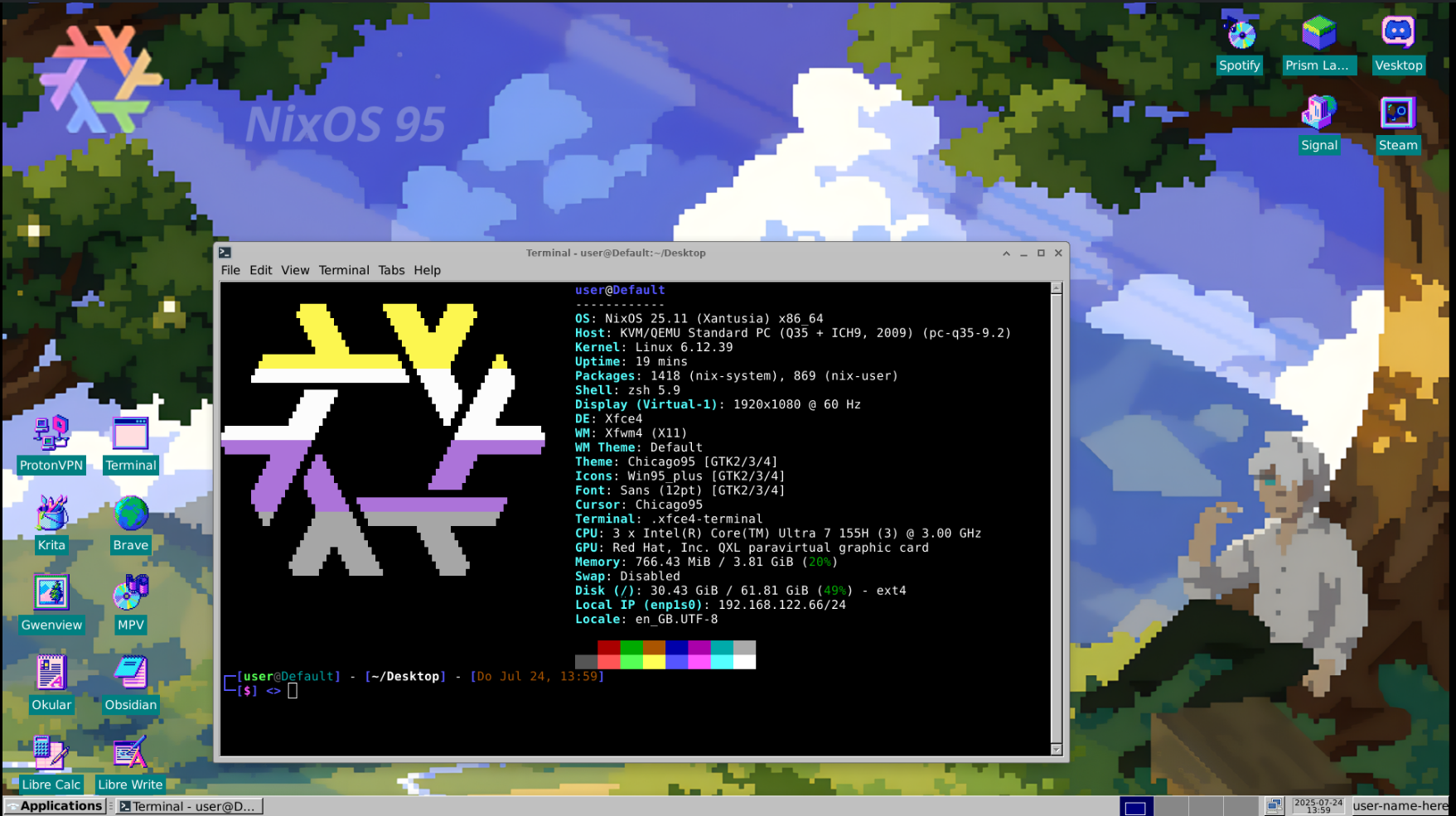
More Screenshots
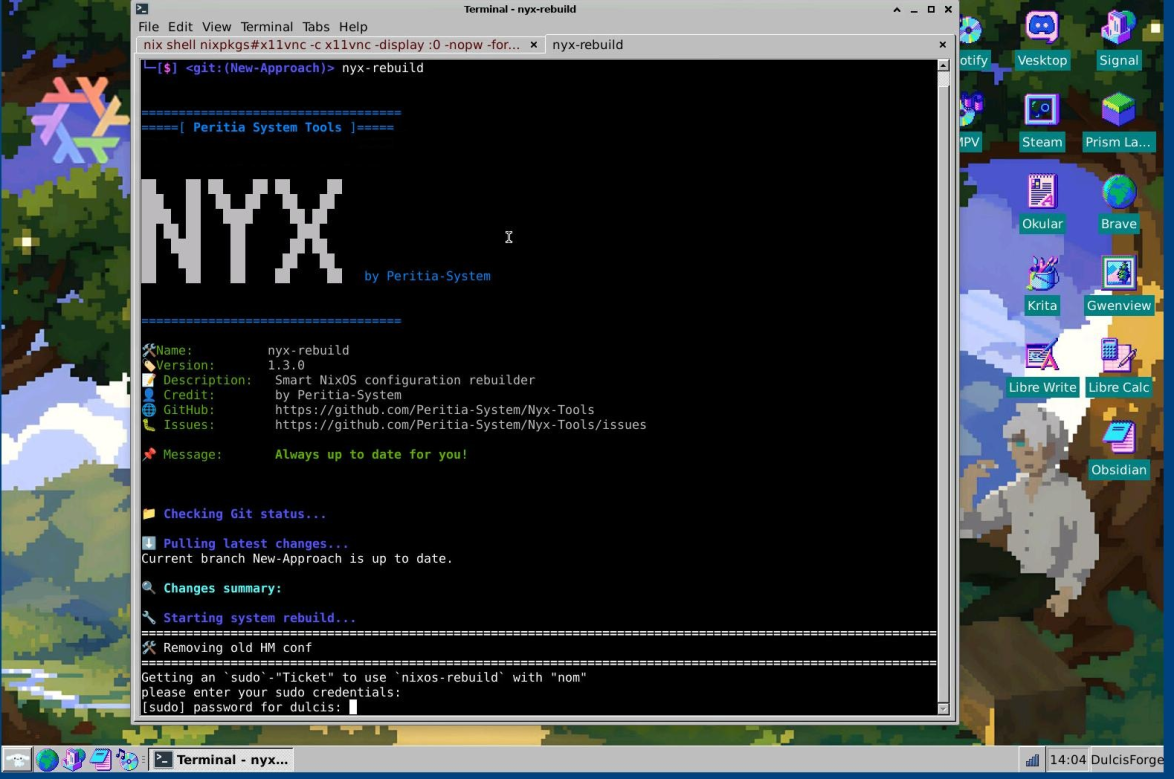
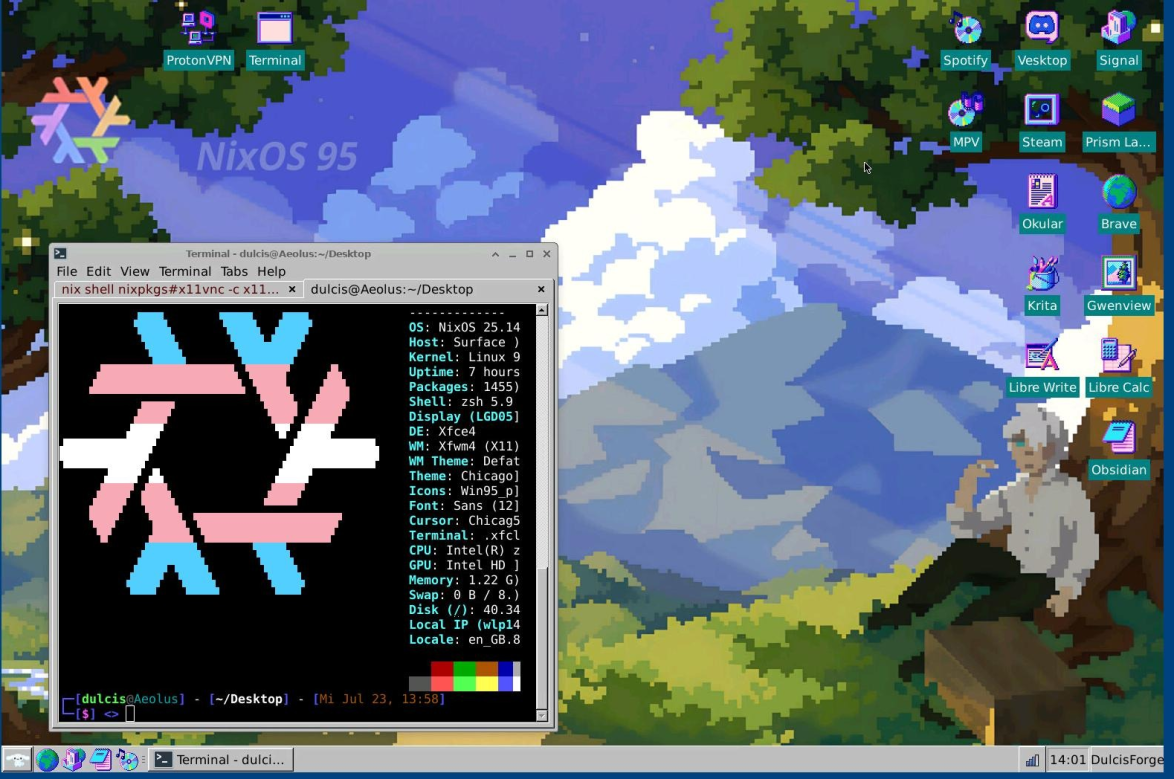
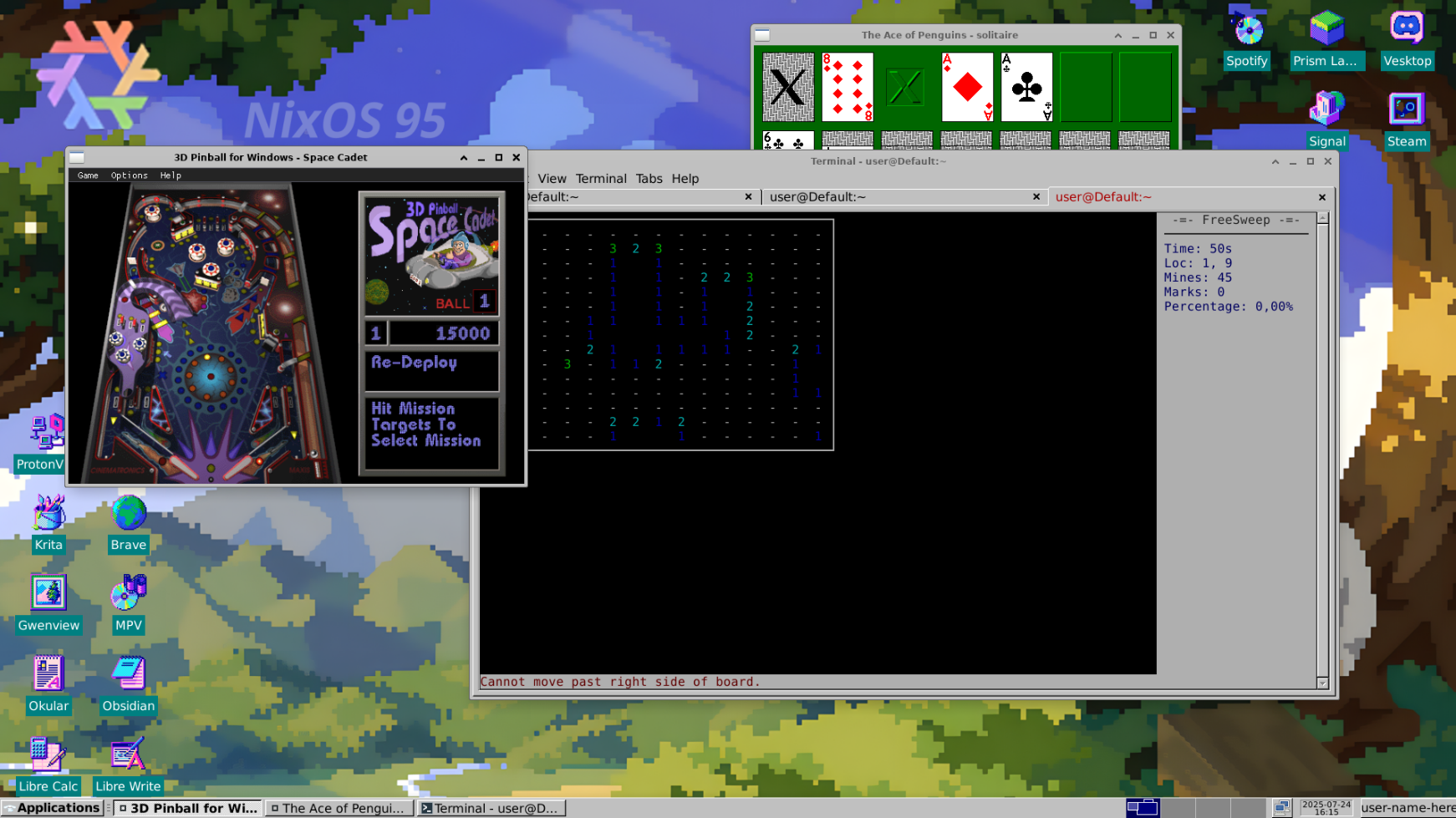
**Reddit Post:**
👉 [See the Reddit showcase post](https://www.reddit.com/r/unixporn/comments/1m865np/xfce_win95_themed_rice_nixos95/)
---
## Final Thoughts
This setup was built for my boyfriend to use during school.
I love how this setup turned out—it's nostalgic and clean, so I wanted to give more people the opportunity to use it.
Hope you enjoy it!