| Configurations/Hosts/Default | ||
| Modules | ||
| nixos95 | ||
| Ressources | ||
| flake.lock | ||
| flake.nix | ||
| README.md | ||
| reddit.txt | ||

NixOS-95
A nostalgic Windows 95-inspired NixOS setup with modern pastel vibes.
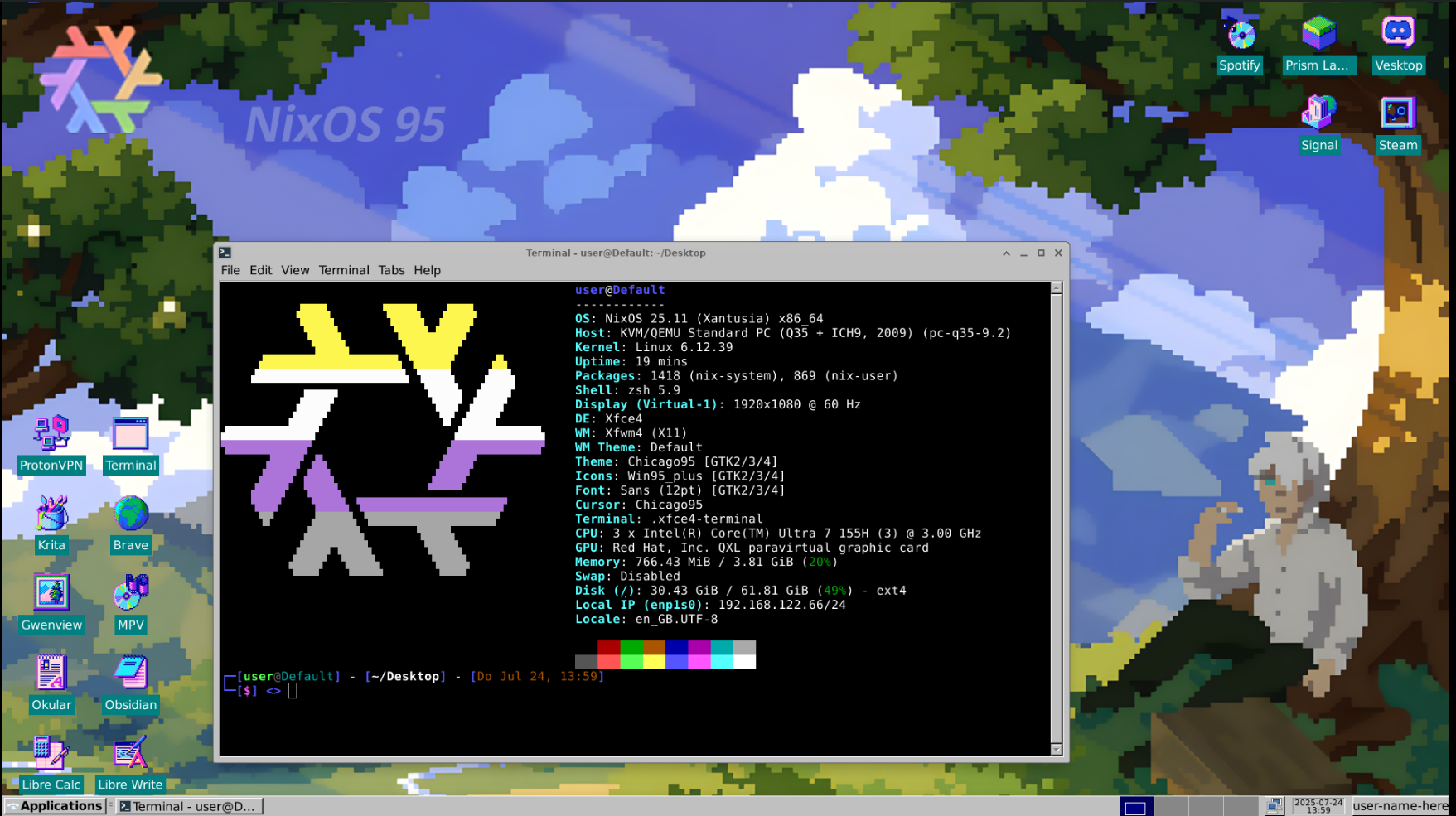
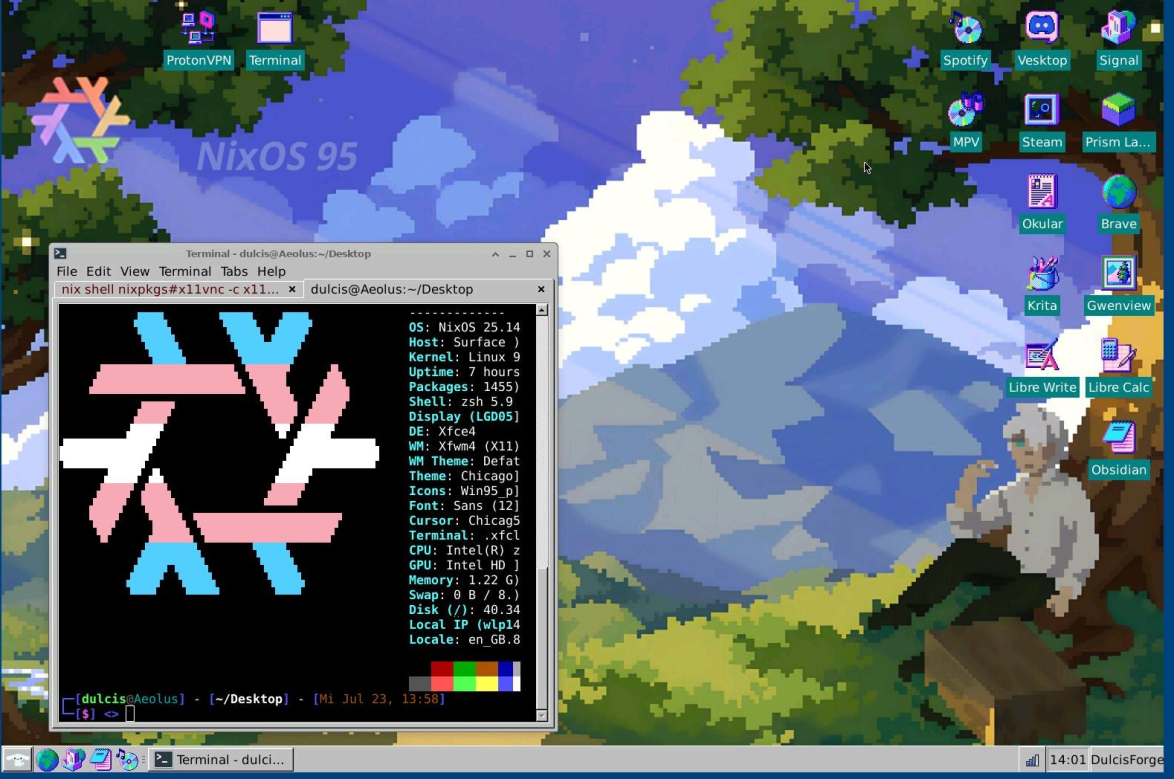
This is a NixOS configuration designed to evoke the pixel-perfect charm of Windows 95, infused with a clean, soft pastel aesthetic. Lightweight, customizable, and perfect for retro lovers or low-spec setups.
🖥️ System Overview
- OS: NixOS
- DE: XFCE (customized)
- GTK Theme: Chicago95
- Icons & Wallpapers: aconfuseddragon
📁 Directory Overview
tree .
NixOS-95/
├── flake.nix
├── flake.lock
├── Configurations/
│   └── Hosts/
│       └── Default/
│           ├── configuration.nix
│           ├── hardware-configuration.nix
│           ├── user.nix
│           ├── home/
│           │   ├── home.nix
│           │   ├── desktop.nix
│           │   └── user-packages.nix
│           └── variables/
│               ├── system-vars.nix
│               └── user-vars.nix
├── Modules/
│   ├── Applications/
│   └── System/
├── nixos95
│   ├── dotfiles/
│   ├── core.nix
│   ├── default.nix
│   ├── desktop.nix
│   ├── keybinds.nix
│   ├── taskbar.nix
│   └── theme.nix
├── Ressources/
│   ├── Icons/
│   ├── Images/
│   │   └── Wallpapers/
│   └── Themes/
├── README.md
Wallpaper and Aesthetics
Wallpapers are located in ./Resources/Images/Wallpapers.
Some have been lightly edited. Originals were created by aconfuseddragon.
I do not own any of the icons or wallpapers.
If you showcase or redistribute them, please credit the original artists.
Installation
Requires a NixOS install.
-
Clone the repository:
git clone https://github.com/peritia-system/NixOS-95.git NixOS cd NixOS -
Regenerate hardware configuration:
sudo nixos-generate-config --dir Configurations/Hosts/Default -
Build and switch to the system configuration:
sudo nixos-rebuild switch --flake .#default -
Apply user settings with Home Manager:
home-manager switch
Experimental Features
NixOS-95 relys on multiple experimental nix features. These are:
- flakes
- pipe-operators They are needed to activate the configuration.
Rebuild Notes
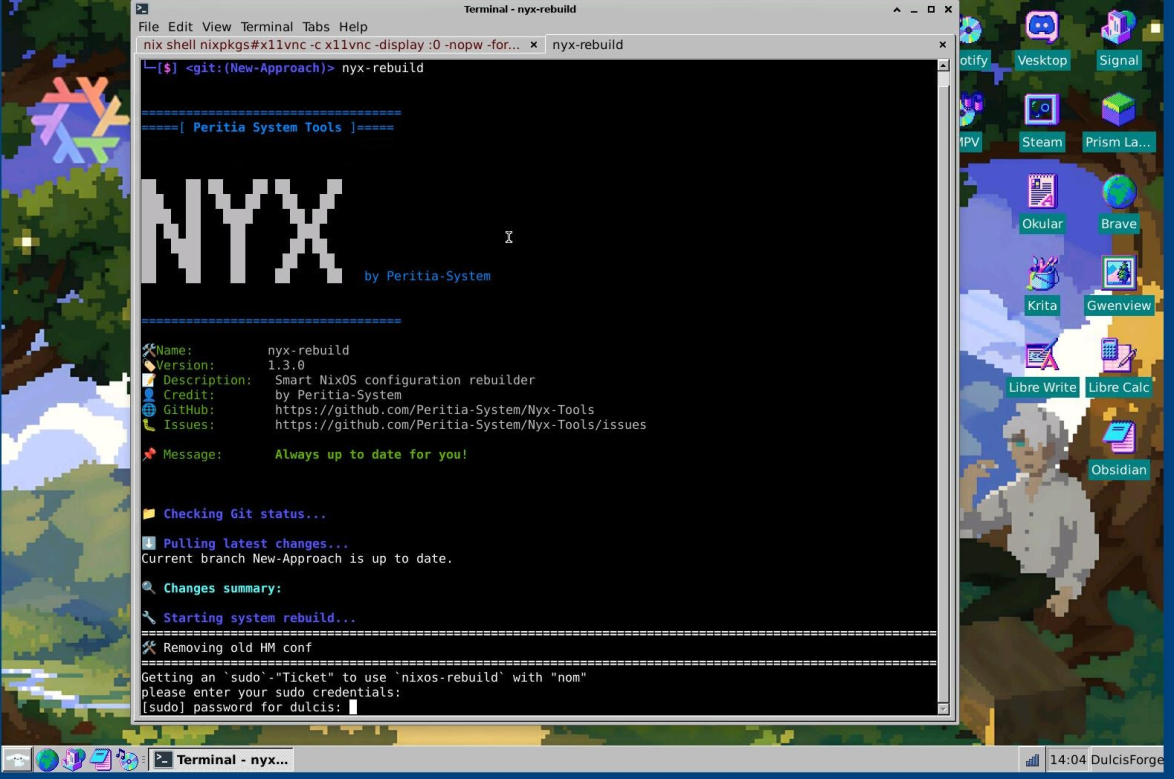
Due to how Home Manager and XFCE handle theming, changes may not fully apply on the first attempt.
For best results:
- Rebuild twice
- Log out and back in after each rebuild
Features
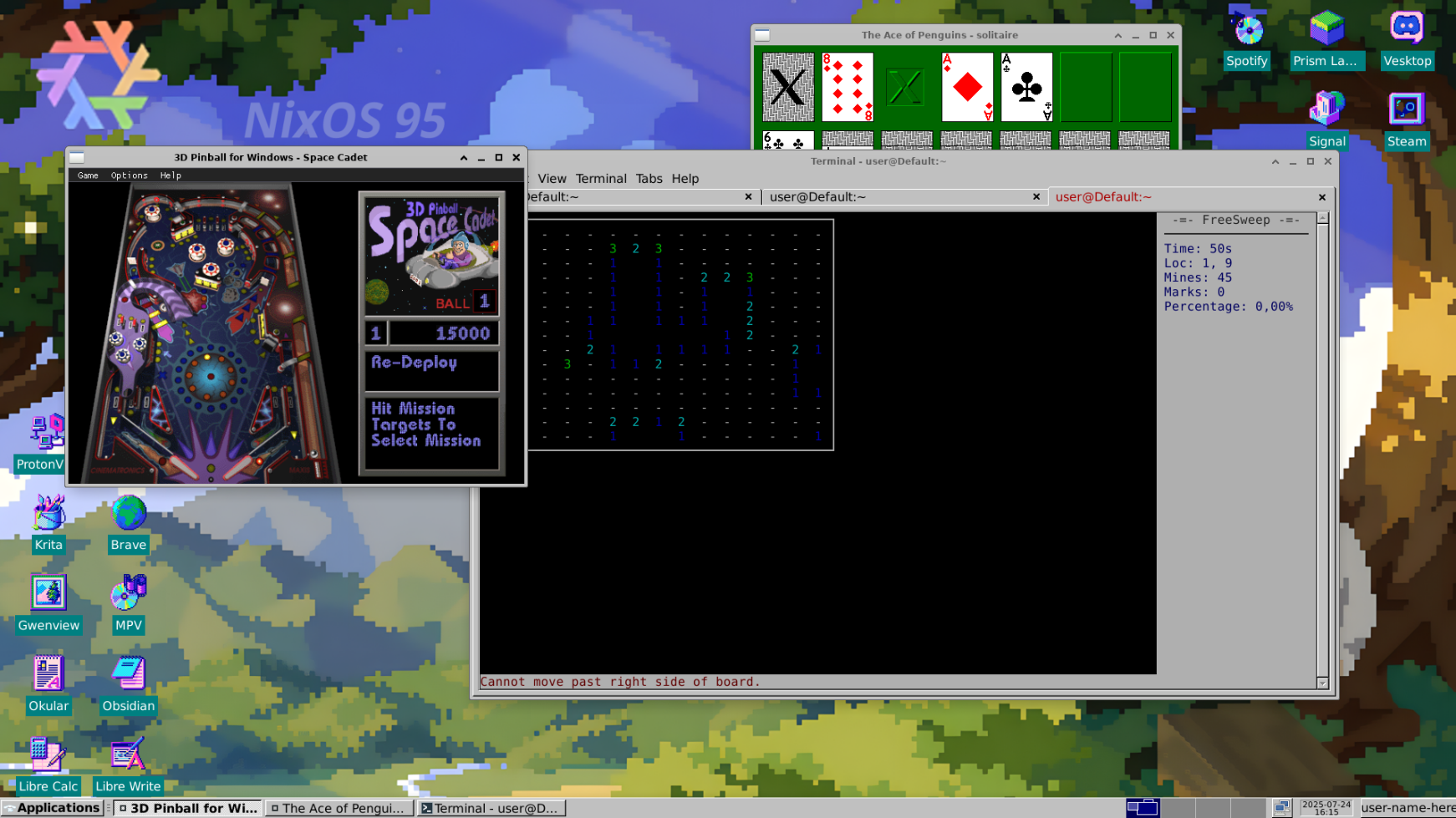
- Pixel-style retro desktop with pastel polish
- Lightweight and XFCE-powered (great for low-spec machines)
- Flake-based configuration with easy updates
- Themed with Chicago95 and matching icon set
Showcase
Final Thoughts
This setup was built for my boyfriend to use during school. I love how this setup turned out—it's nostalgic and clean, so I wanted to give more people the opportunity to use it. Hope you enjoy it!