| Configurations/Hosts/Default | ||
| Modules | ||
| nixos95 | ||
| Ressources | ||
| flake.lock | ||
| flake.nix | ||
| README.md | ||
| reddit.txt | ||

NixOS-95
A nostalgic Windows 95-inspired NixOS setup with modern pastel vibes.
This is a NixOS configuration designed to evoke the pixel-perfect charm of Windows 95, infused with a clean, soft pastel aesthetic. Lightweight, customizable, and perfect for retro lovers or low-spec setups.
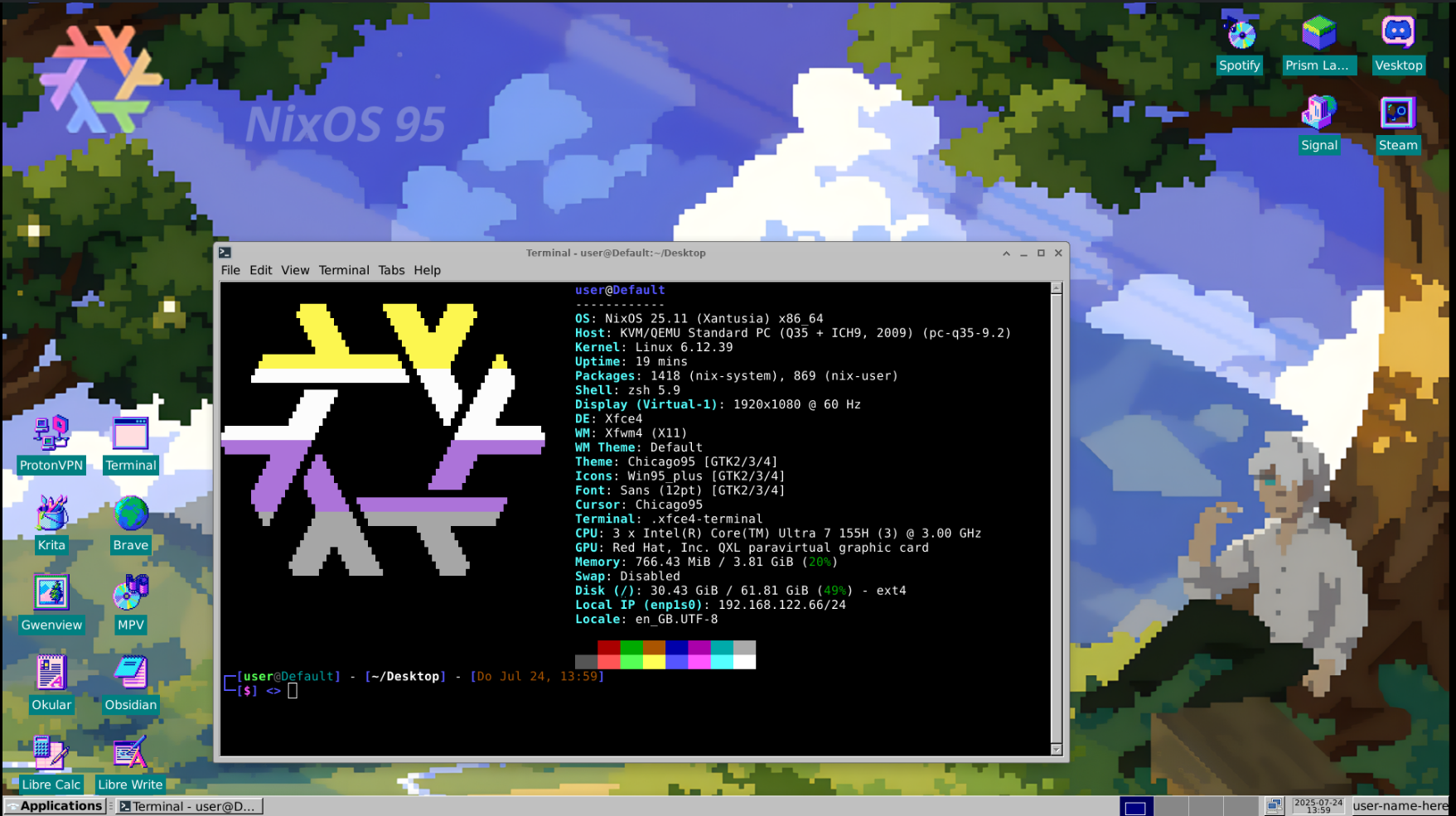
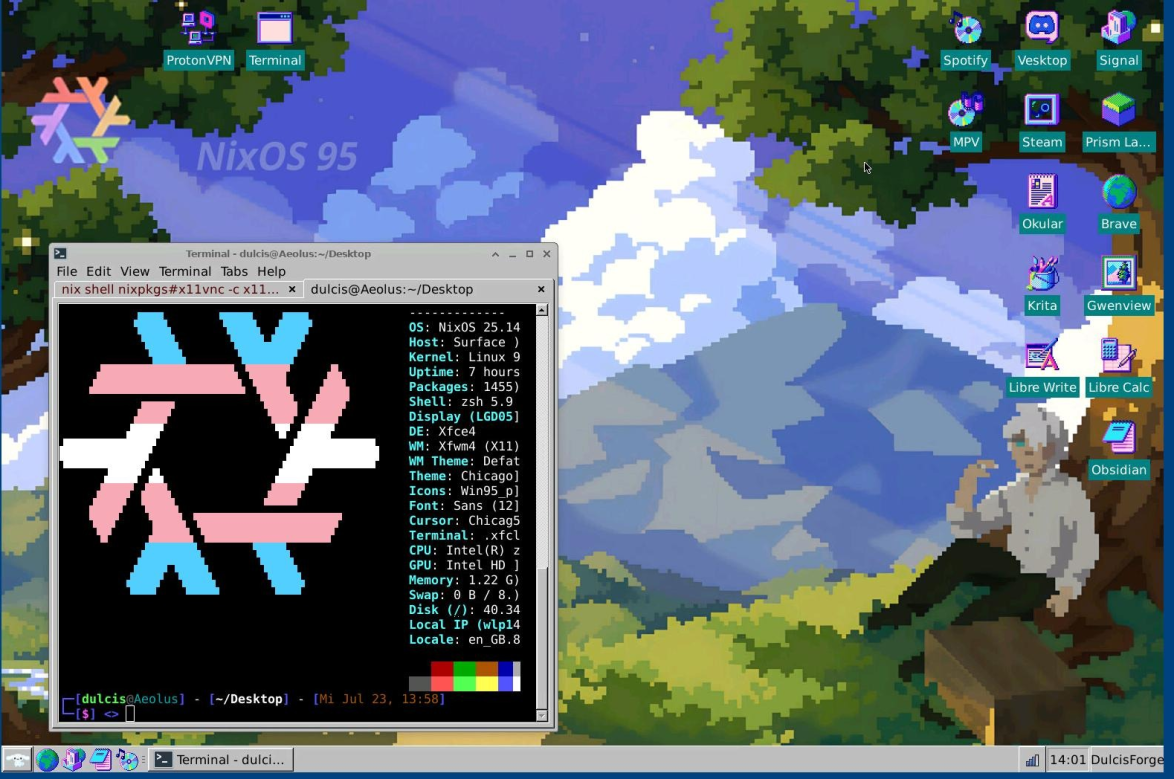
🖥️ System Overview
- OS: NixOS
- DE: XFCE (customized)
- GTK Theme: Chicago95
- Icons & Wallpapers: aconfuseddragon
📁 Directory Overview
tree .
NixOS-95/
├── flake.nix
├── flake.lock
├── Configurations/
│   └── Hosts/
│       └── Default/
│           ├── configuration.nix
│           ├── hardware-configuration.nix
│           ├── user.nix
│           ├── home/
│           │   ├── home.nix
│           │   ├── desktop.nix
│           │   └── user-packages.nix
│           └── variables/
│               ├── system-vars.nix
│               └── user-vars.nix
├── Modules/
│   ├── Applications/
│   └── System/
├── nixos95
│   ├── dotfiles/
│   ├── core.nix
│   ├── default.nix
│   ├── desktop.nix
│   ├── keybinds.nix
│   ├── taskbar.nix
│   └── theme.nix
├── Ressources/
│   ├── Icons/
│   ├── Images/
│   │   └── Wallpapers/
│   └── Themes/
├── README.md
Wallpaper and Aesthetics
Wallpapers are located in ./Resources/Images/Wallpapers.
Some have been lightly edited. Originals were created by aconfuseddragon.
I do not own any of the icons or wallpapers.
If you showcase or redistribute them, please credit the original artists.
Installation
Requires a NixOS install.
-
Clone the repository:
git clone https://github.com/peritia-system/NixOS-95.git NixOS cd NixOS -
Regenerate hardware configuration:
sudo nixos-generate-config --dir Configurations/Hosts/Default -
Build and switch to the system configuration:
sudo nixos-rebuild switch --flake .#default \ --extra-experimental-features flakes \ --extra-experimental-features pipe-operators -
Apply user settings with Home Manager:
home-manager switch
Experimental Features
NixOS-95 relys on multiple experimental nix features. These are:
- flakes
- pipe-operators They are needed to activate the configuration.
To enable them in your config set:
nix.settings.experimental-features = [
    "flakes" "pipe-operators"
];
Rebuild Notes
Due to how Home Manager and XFCE handle theming, changes may not fully apply on the first attempt.
For best results:
- Rebuild twice
- Log out and back in after each rebuild
Features
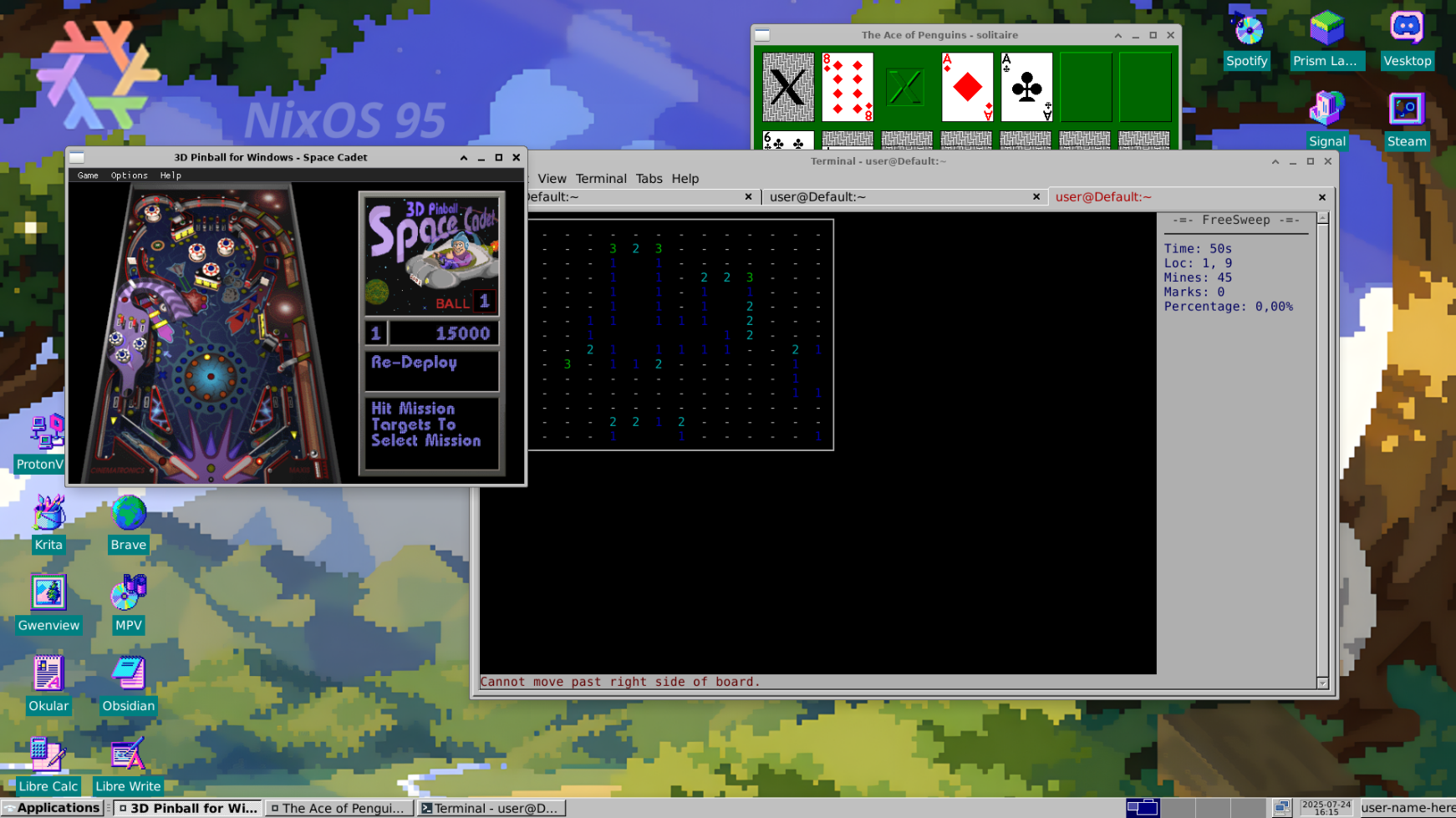
- Pixel-style retro desktop with pastel polish
- Lightweight and XFCE-powered (great for low-spec machines)
- Flake-based configuration with easy updates
- Themed with Chicago95 and matching icon set
Showcase
Final Thoughts
This setup was built for my boyfriend to use during school. I love how this setup turned out—it's nostalgic and clean, so I wanted to give more people the opportunity to use it. Hope you enjoy it!